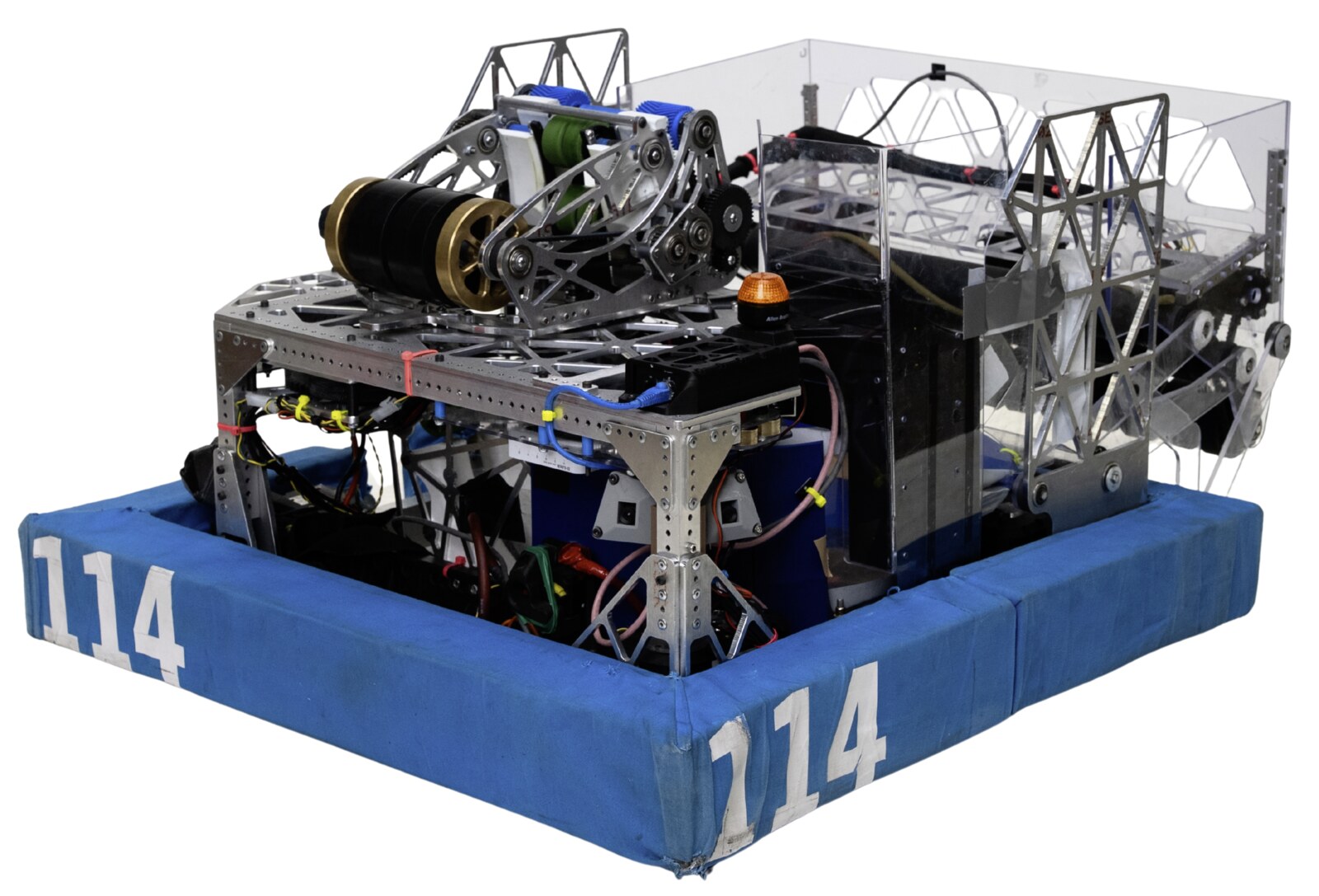
FRC Team 114
My school’s FIRST Robotics team. I’ve been on it for four years, led prototyping for two, and led the design of our 2026 robot’s shooter and turret.
- Role
- Prototyping lead · Shooter and turret lead, 2026
- When
- 2023–present
- Links
- 4years on the team
- 2years as prototyping lead
- 15–0at the 2024 SF Regional
The team
Team 114 is one of the oldest teams in FIRST Robotics, and it’s run by students. Every January a new game is announced, and we have about six weeks to design and build a robot for it.
2024
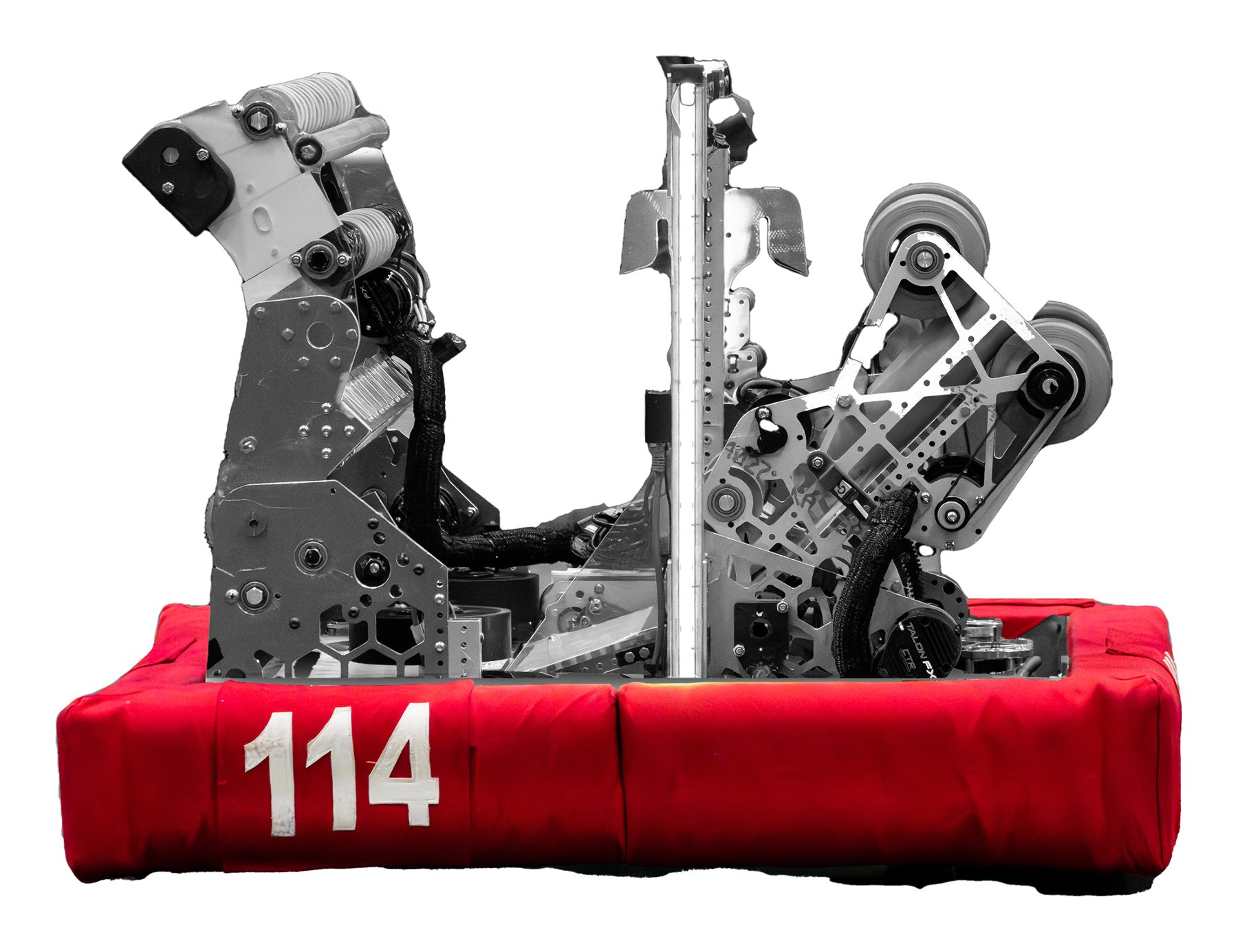
2024 was my first season. Our robot that year, Snoopy, went 15–0 and won the San Francisco Regional, and we qualified for the World Championship.
Prototyping
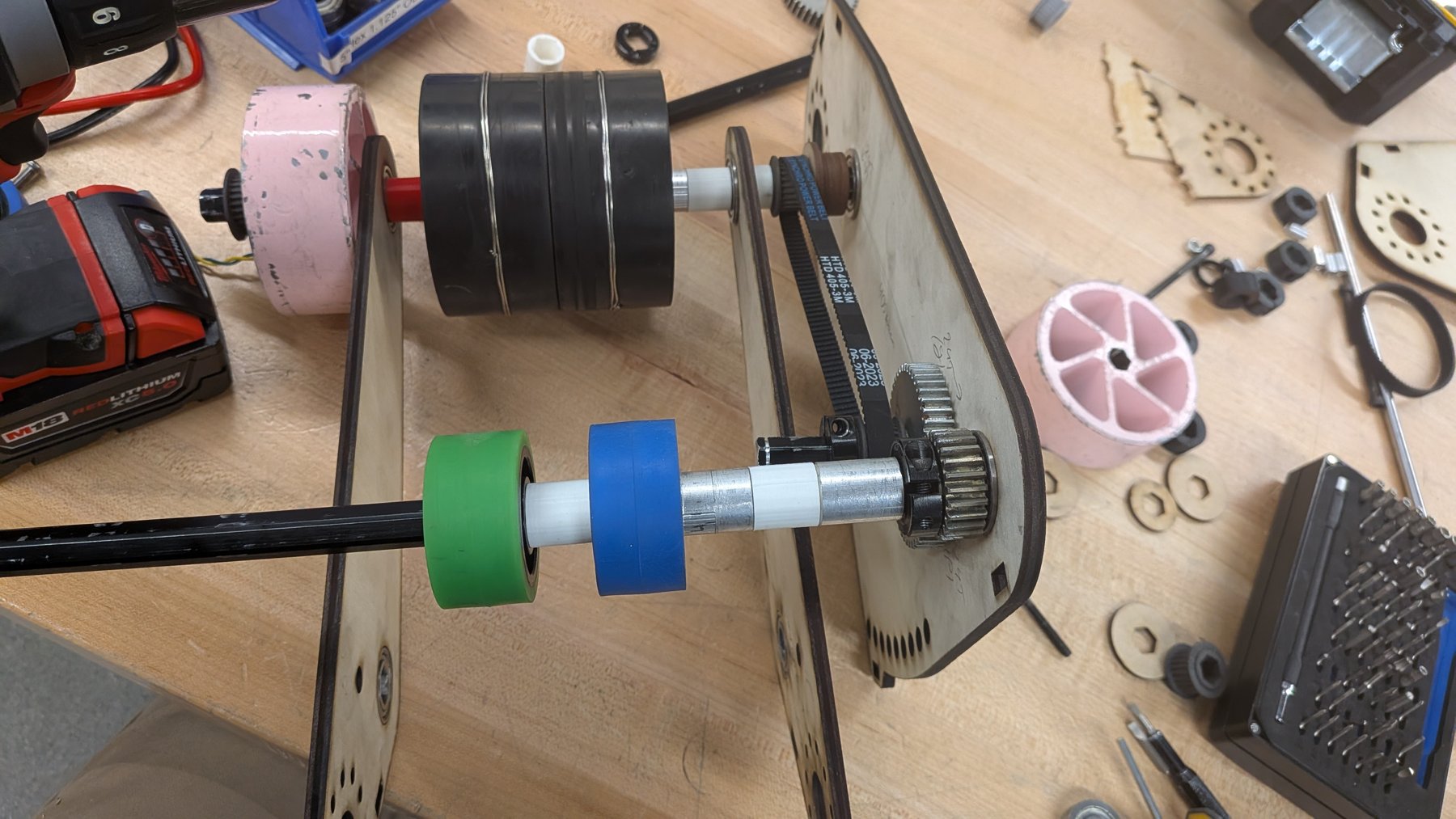
For the next two seasons I was the prototyping lead. Right after the game is announced, we build rough versions of different ideas out of wood and spare parts to see what works. Only after that does anything get designed in CAD. I organized that work and taught newer members how to build and test prototypes.
In 2026, for example, we built the shooter as a wooden test rig first, so we could try different wheels and spacing with real balls.
The 2026 shooter
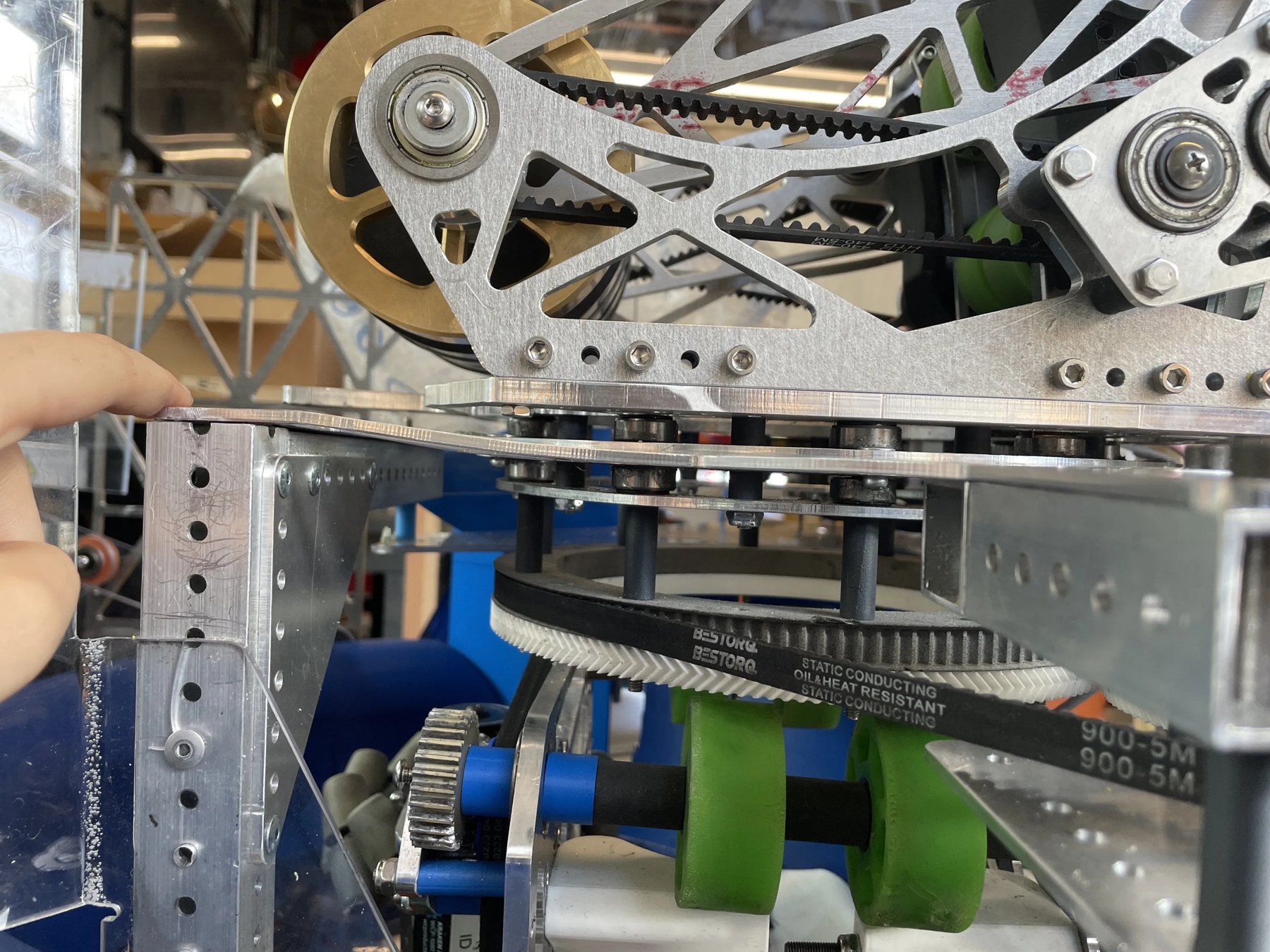
The 2026 game was about shooting balls into a goal. I led the design of our shooter, along with a few other students.
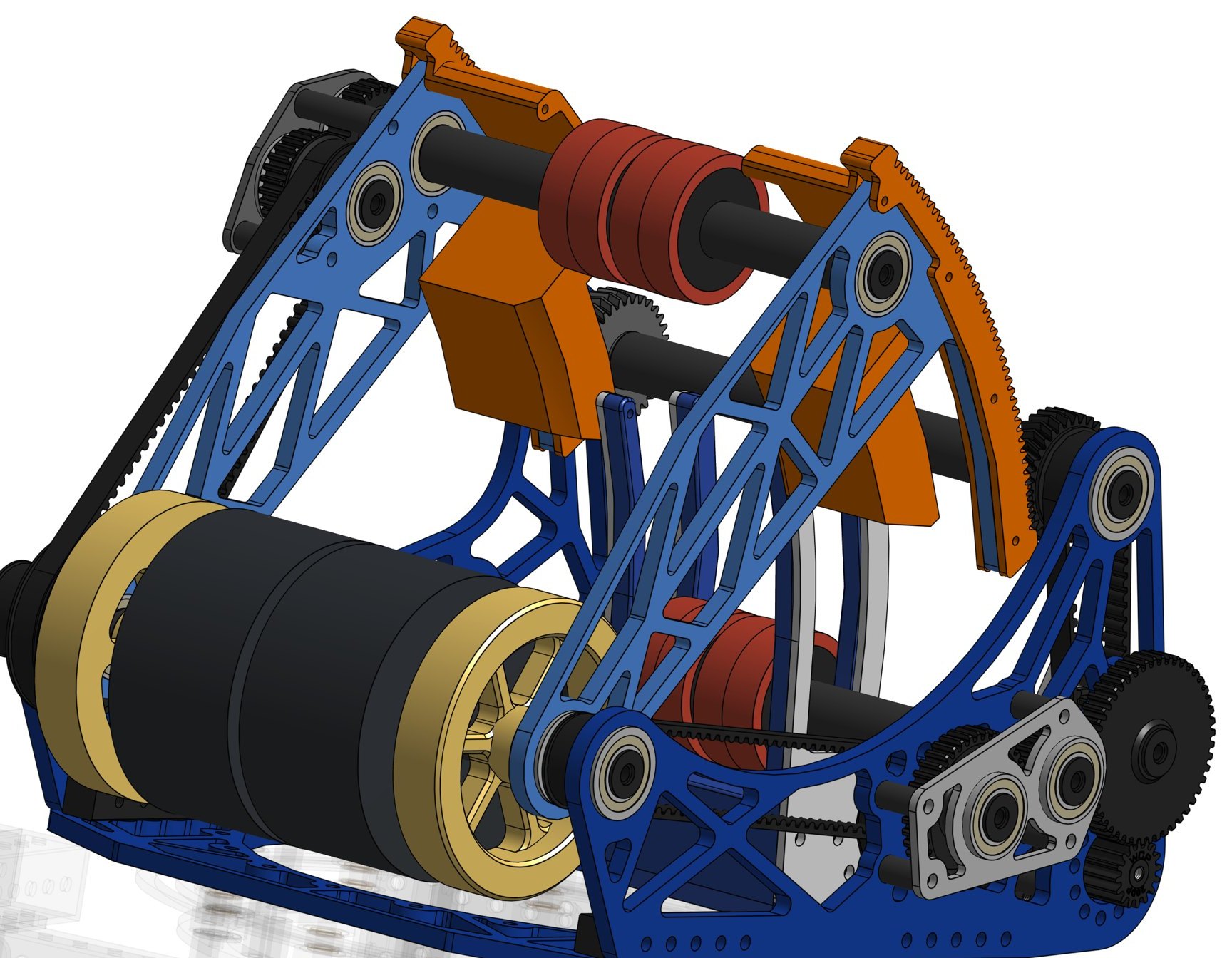
Spinning wheels grab each ball and launch it. A curved hood above the wheels sets the angle. The hood moves on a curved gear, so we can change the angle and shoot from different distances.
The turret
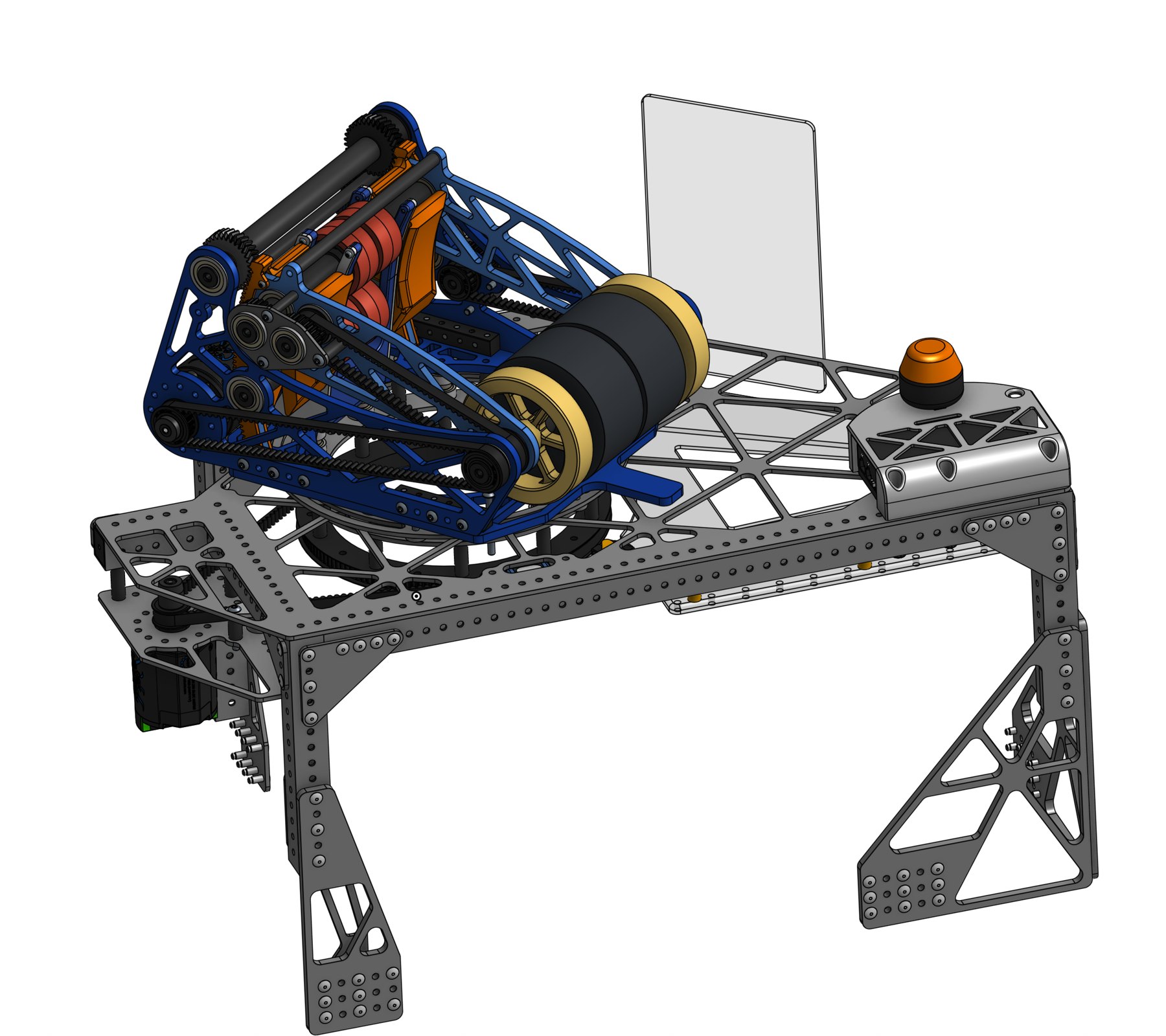
I also led the turret, which lets the shooter turn by itself. It sits on a big ring held in place by rollers, and a motor turns it with a belt around the ring. That way the robot can keep aiming at the goal while it drives somewhere else.
After the robot was built, we kept improving it based on testing. I redesigned some parts, like the gear that moves the hood. That season we were finalists at the San Francisco District Event and won the Google-Sponsored Autonomous Award.
Parts inventory
I also built a parts inventory system for the team’s shop. Every bin has a QR code. When you scan it with your phone, it opens a page for that part, where you can check parts in and out or update how many are left. You don’t have to log in.
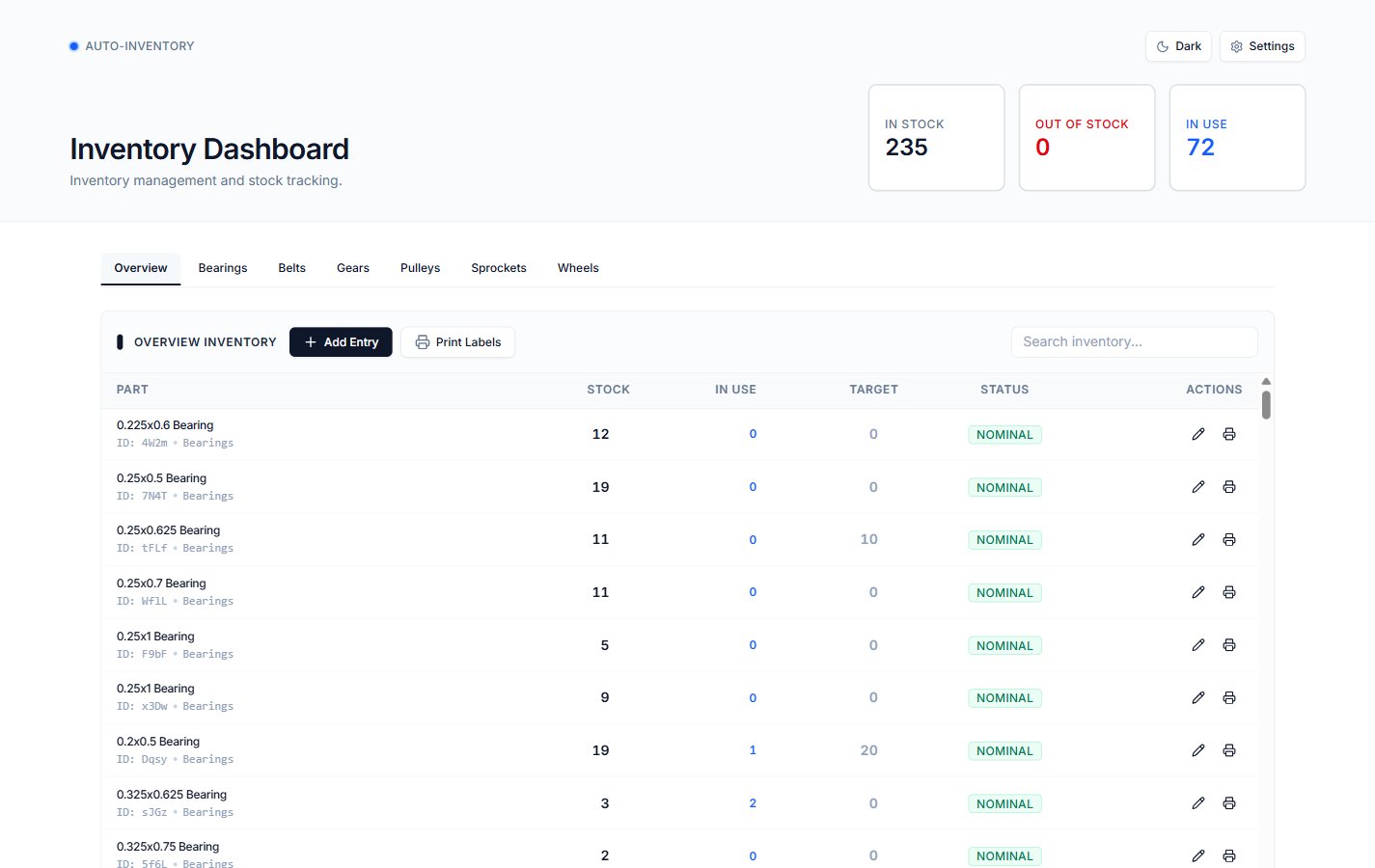
There’s also a dashboard that shows which parts are running low and can print new QR labels. Everything syncs with a Google Sheet, so mentors can edit it there too.
More images